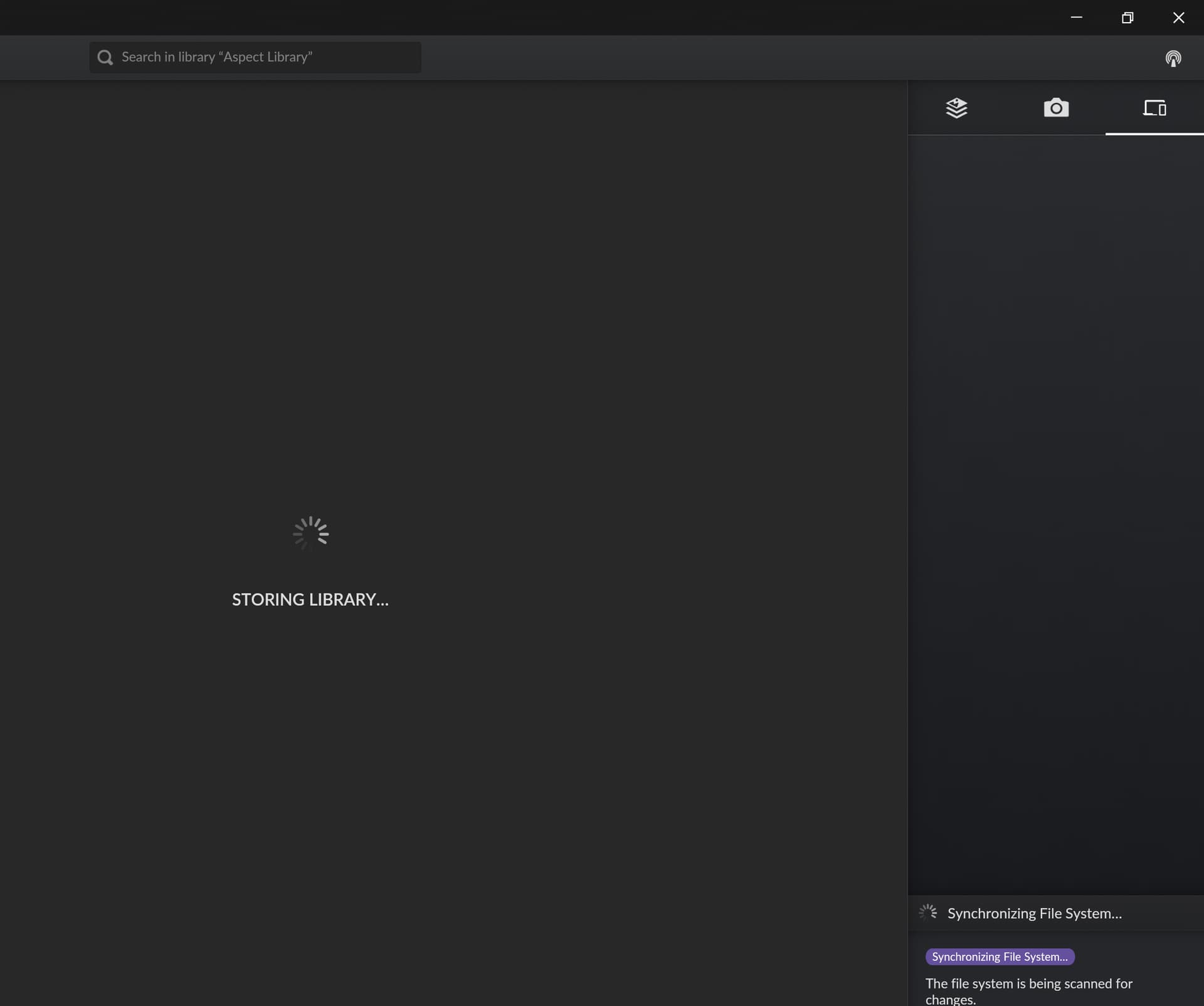
This should be mitigated somewhat in rc.42, but it only avoids triggering a file system synchronization and it’s still possible that a regular scanning task is running at exit. I’ll look into a complete fix for the next release (I have a large test library on a slow external disk where this is very pronounced).
Hello Soenke,
this issue is no longer occurring in Windows, but I have faced it today in MacOS
context: my Mac is receiving new images/files from the W11 machine, and when trying to close the app on the Mac, it is taking minutes, and I can from the activity monitors that files are still being transferred.
EDIT: after some time the message “Cache could not be loaded” appeared on my Mac