Blurry fonts on Ubuntu (Gnome Shell+Wayland) when fonts are scaled down

Observed behavior

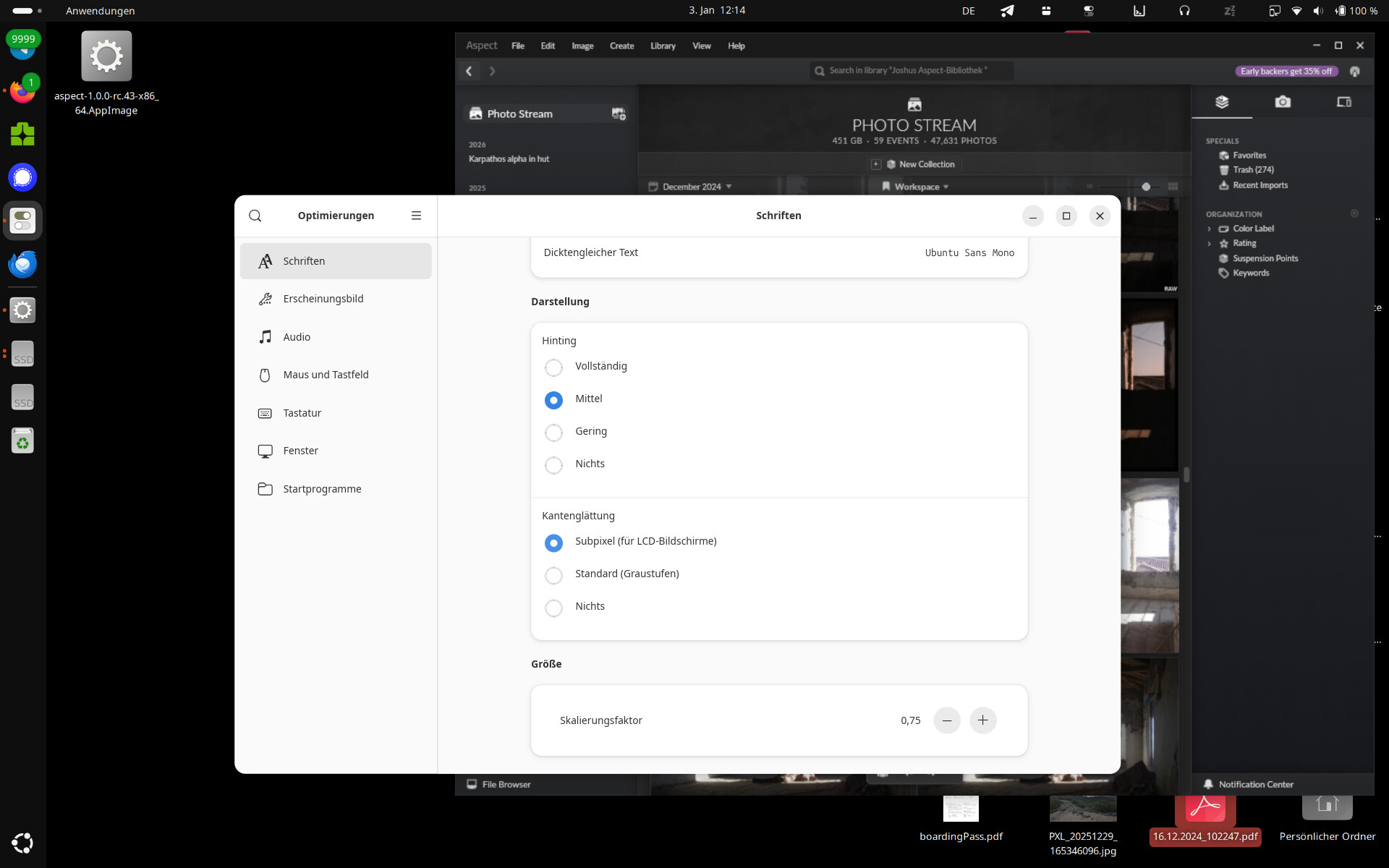
On Ubuntu I scaled down the Fonts to 0.75 now all fonts within aspect are displayed burry. All other programs are displaying just fine.

Expected behavior

Fonts should display clear and crisp.

Steps required to reproduce

  1. Ubuntu 22.04 with gnome Shell and Wayland
  2. Install gnome-tweak-tools, and set the font scale there to 0.75 (or any other value than 1
  3. Start aspect.

Operating system/Hardware used

Ubuntu 22.04 with gnome shell and Wayland.
Aspect Version 1.0.0-rc.43

Interesting, I didn’t know that scaling factors of < 1 were a thing, as most settings UIs only let you go as low as 1.0. But I just tried this on Ubuntu 24.04 and the result was as expected, so maybe this was an issue in the 22.04 that got fixed by now?

What I did get, however, were blurry fonts when using fractional scaling instead of just changing the font scale factor. This is apparently a long-standing issue that gnome 47 has finally fixed (I’ve tried the current Gnome OS live ISO and everything works correctly there).
1 Like

Looks like I’ll just have to wait the few months till 26.04 with Gnome 50 is stable. Until then, I’ll just stick with x11.