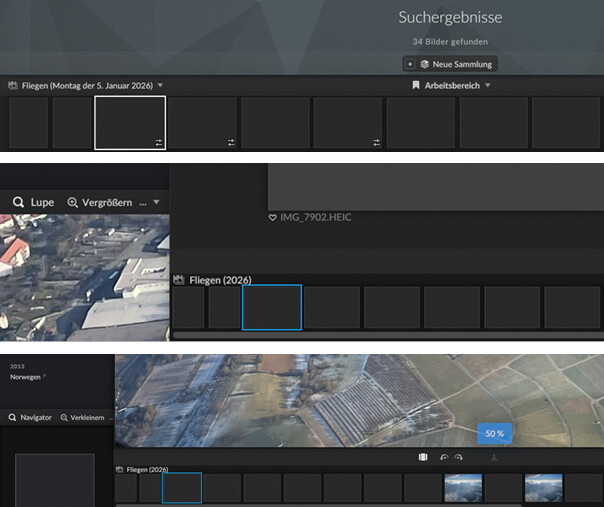
On my computer, HEIC files are just shown as a grey image in thumbnail view and in small zoom levels.
When I open the image in Aspect, the image is shown grey but the magnifyed view is shown correctly.
Apparently, this behavior is only shown in small zoom levels, e.g. 25%.
When changing to a higher zoom level, e.g. 50%, the behavior is turned around: The image is shown correctly and the magnified view is shown as grey image.
Hello again,
I am sorry but I guess that I’ve found the issue. The MS HEIC extension was installed after I added those files to Aspect.
After I updated those files in Aspect, everything works fine.
Hello and no problem at all! I’m thinking whether it is possible and makes sense to add some kind of auto-detection of cached images that could potentially be re-read successfully. The main problem is that this doesn’t necessarily only apply to HEIF images, but also to several other formats that are only supported through the operating system as well.
Hello Soenke, Thank you for your answer.
I think that this is a good idea but what would be the trigger? A change of the version number of the OS libraries/ image file extensions or OS version?
One possible approach would be to probe the operating system whether certain formats are supported at startup and adding a flag to images that couldn’t be loaded because their format was deemed unsupported. Whenever a certain format would then become supported, all flagged images with the matching file extension could be retried.
That would only work for a small list of known formats, though, and has both potential for missing images and for wasting time. So the question is whether it would be worth the trade-off.