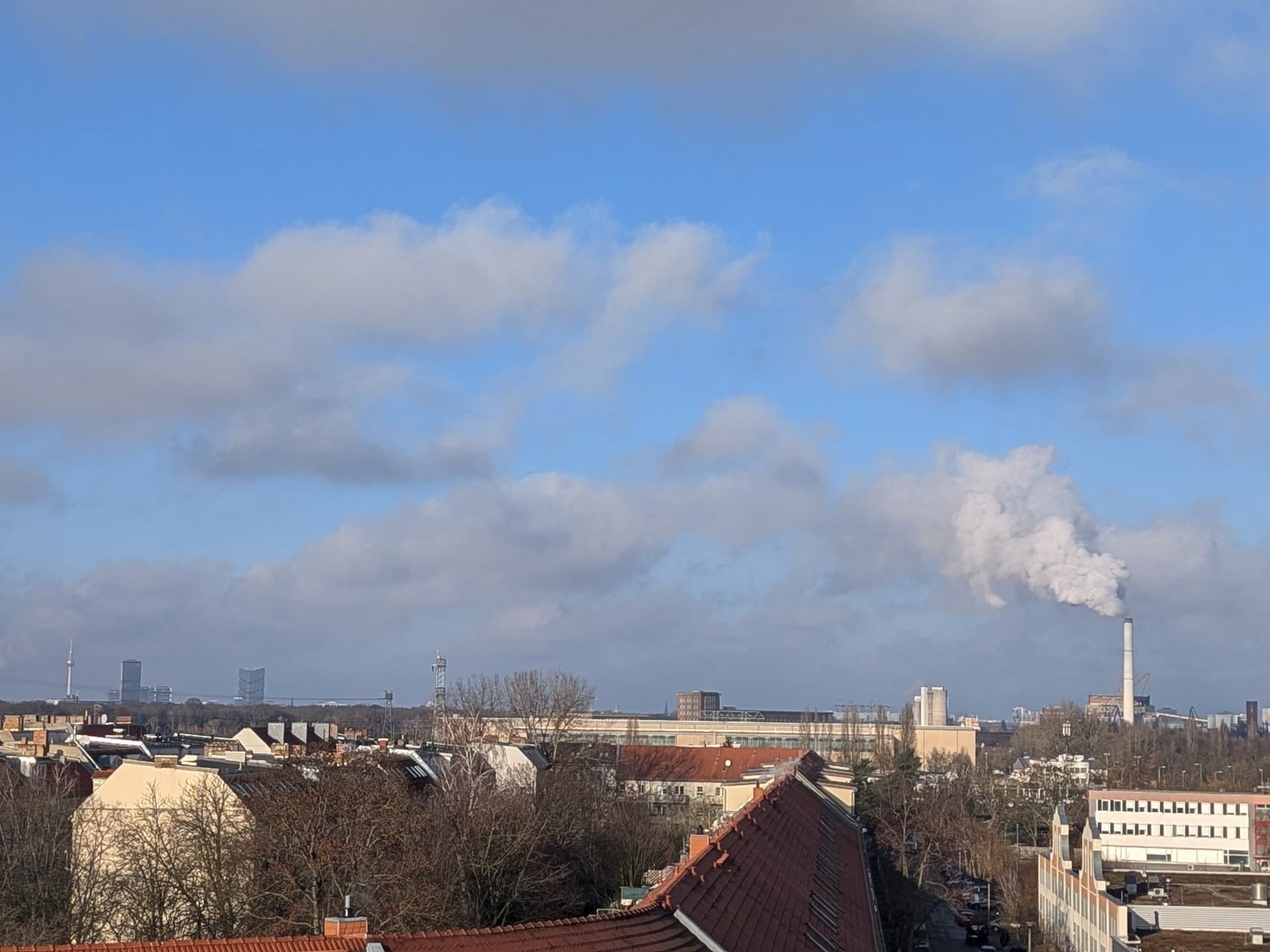
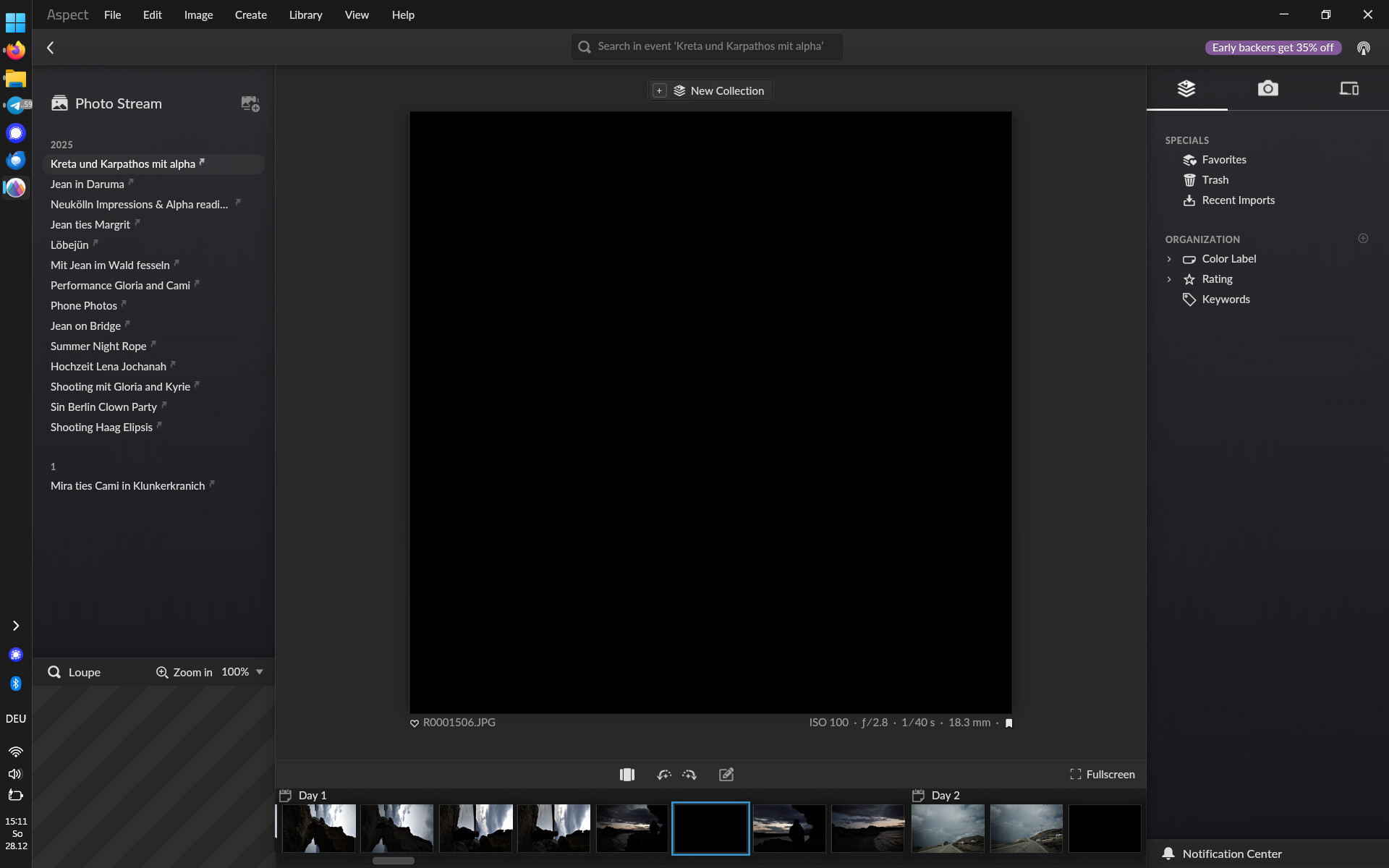
I imported quite a few photos into Aspect.
Strangely, some photos are not shown but only displayed as a black square photo. same, when I click on the photo, it’s displayed completely black. When I do right-click onto the picture and click onto “show in explorer” I can view the picture in the Windows File explorer and with the standard Windows Picture Viewer just fine.
It affects pictures from different sources/cameras.
Regenerating Previews, or Regenerating Metadata Cash, did not solve this.
I think the forum may have converted/scaled the image automatically, so that the resulting photo doesn’t have the same issue – at least both show up fine within Aspect for me. Can you try to zip one of the two and then attach the zip file instead?
Unfortunately now back on Windows the program gives me an error that the cache can not be loaded - is it not possible to accesses the same library from a different OS?
Okay, the issue was caused by the structure of the file interacting badly with an optimization we do for files that contain all of their metadata within the first few kilobytes of the file. The next version will contain a fix for this.