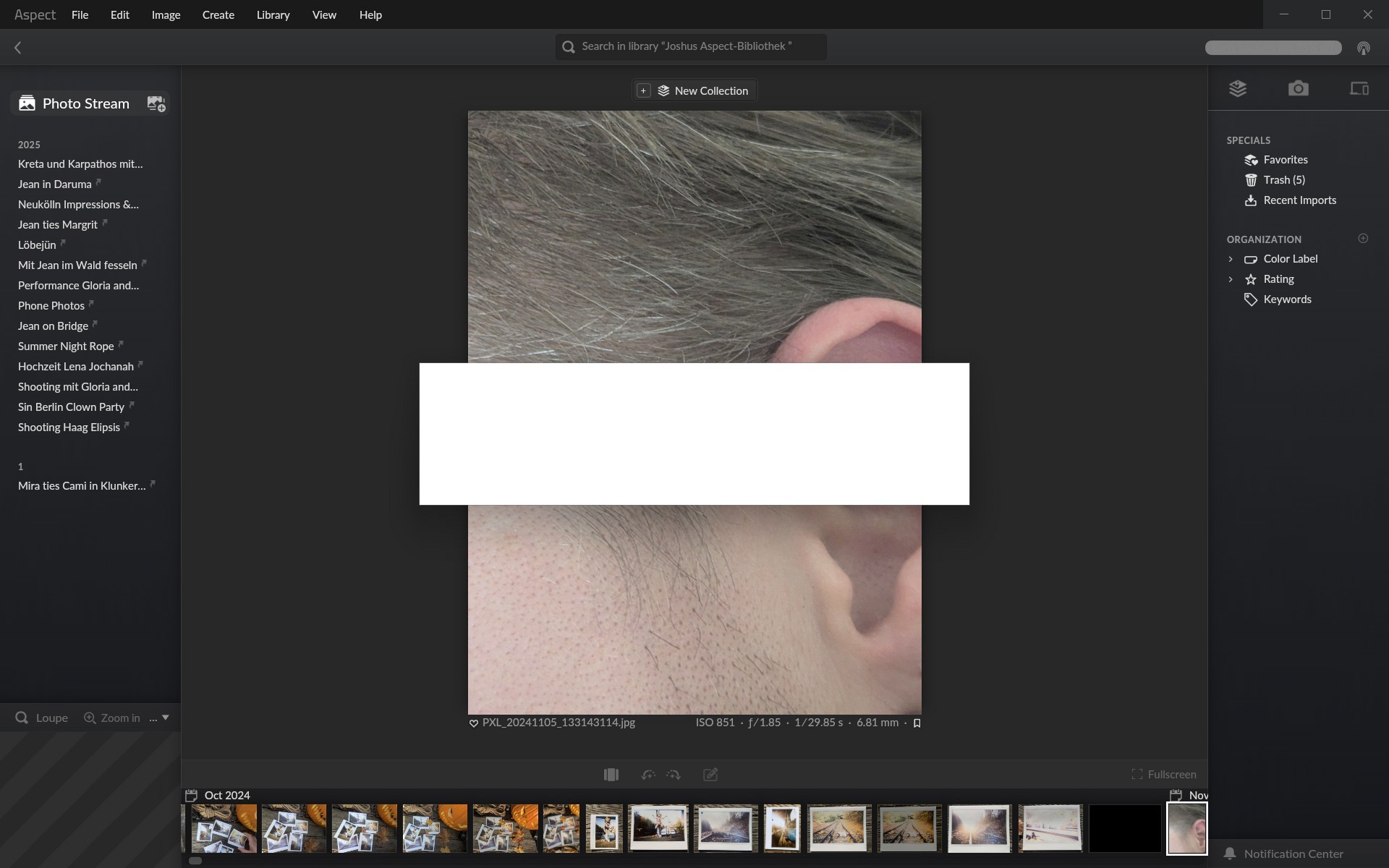
often when a pop-up dialog show up, like “Do you really want to delet xxcx”? or I want to access the settings dialog, the dialog shows up as a white square without any contend showing. Sometimes it just takes a few seconds to show the actual dialog. But often (especially when there is something else happening in the background like indexing of Photos etc.) it can take really long (minutes) or even never shows the dialog.
As a workaround, it helps to just press the tabulator key, and the content shows up instantly.
To me, it kind of looks like as the program is not aware that the dialog is in the foreground, and therefore does not render the actual dialog.
Also, it seems to me that once the dialog has shown up correctly, this is less likely to happen again.
Interesting, I only ever saw that on Linux and macOS, but Intel GPU drivers have always been problematic. I’ll see if I can reproduce something with the Gen-8 Thinkpad Yoga that I have here.
%TEMP%\aspect-log.html
This should be %TEMP%\aspect-log.sdl - in this case it probably won’t contain any useful information, though.
I’ll increase the upload limit to 25 MB and will see whether there is possibly a plugin for integrating an external upload service for cases where that isn’t sufficient.
With the recent versions (RC45 and RC 44) this behavior got much better, but it still occurs sometimes. I can’t see any pattern when and how it appears. Usually it just takes a few seconds to fix by itself