Application starts, shows task “Loading Secondary Library Instances”, then it closes and restart by itself.
I also tried to disconnect the device from the internet/LAN so that there wouldn’t be any secondary libraries connected to Aspect (i.e. no connection to the NAS), but nothing changed.
I tried let it run for few hours, the loop did not stop though.
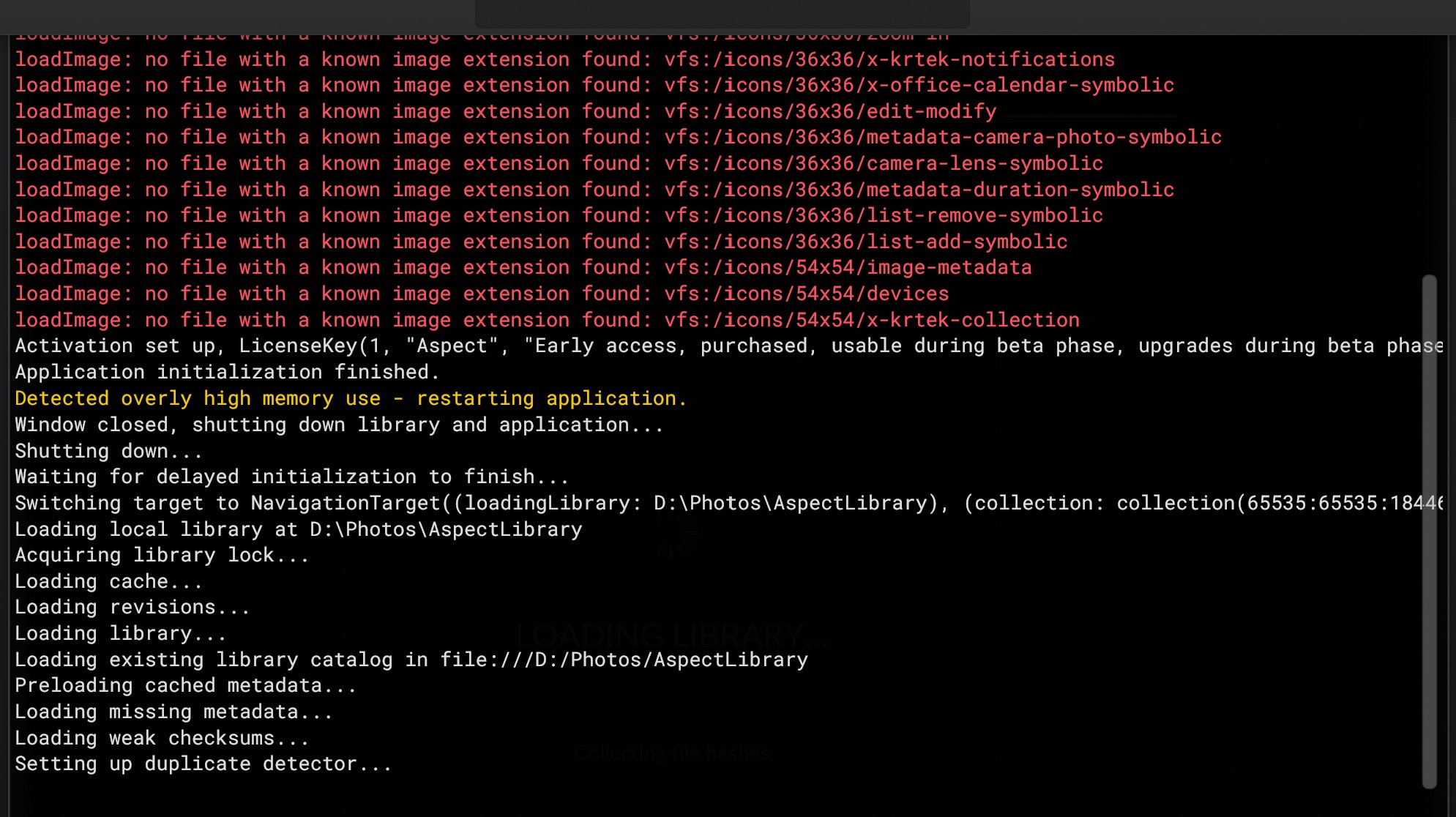
I wonder if this is caused by triggering the new RAM limit watchdog. If you are able to see a line that starts with “Current memory usage” or “Detected overly high memory use” in the console (open via Ctrl+Shift+P or View → Open Console), can you try to make a screenshot of that?
The limit at which the application gets restarted is supposed to be pretty high (amount of RAM + 4 GB + the current size of the in-memory thumbnail cache) and shouldn’t trigger under normal circumstances. I’ll change it for the next release to be treated as a “crash”, so that it doesn’t just silently restart and to that the log file can be sent as a crash report.
-If I try to close the app, it seems I can’t (the app will restart, even after I select to close it)
-If I try to go to file->settings->General->Maximum amount of RAM to use and modify this setting, when the app reboots, the changes I made are not saved
We’ve released Version 1.0.0-rc.51 now, which improves/fixes a few things with the memory overuse detection. In particular, the limit is now much higher on systems with 8GB or less RAM, so that it should hopefully not be triggered anymore, and running into the memory limit is now treated as a crash, so that a crash report can be sent in order to give us a chance to investigate what might be responsible for the high memory use.